
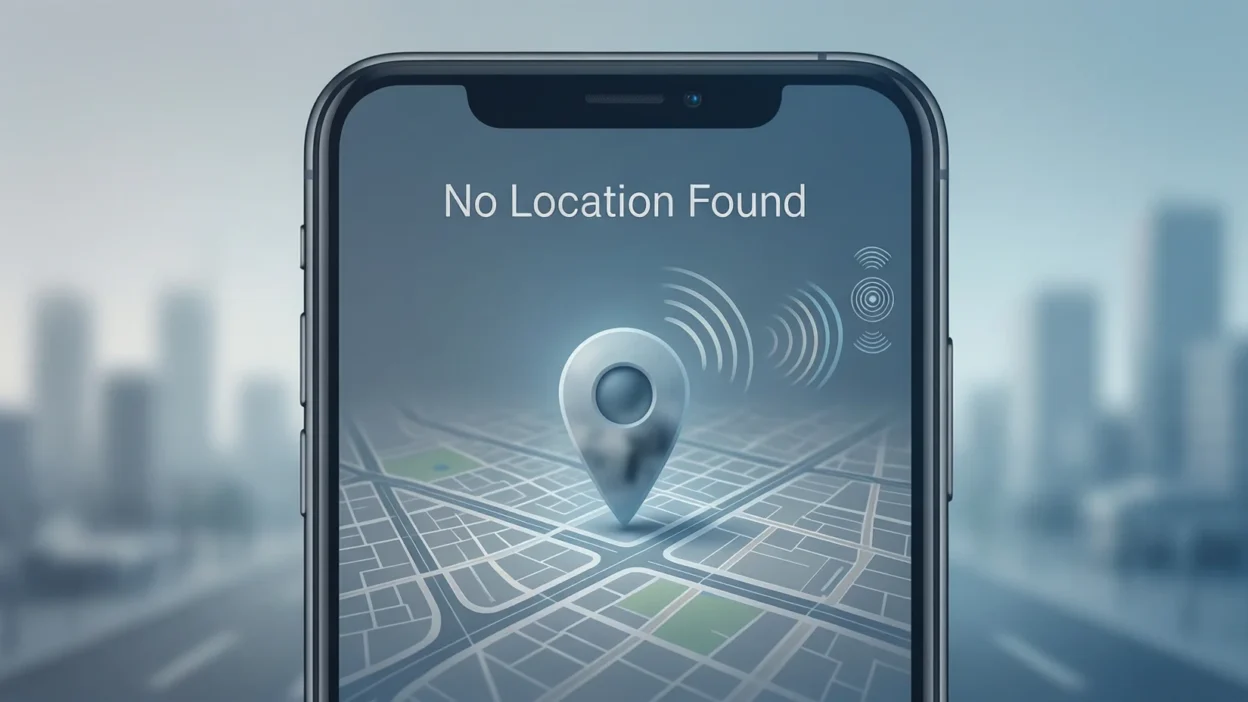
The first time I saw “No Location Found”, I was honestly confused. I opened a map app, tried sharing my location with a friend, and instead of a pin, this message popped up. For a moment, I thought my phone was broken.
Later, I noticed the same message on Snapchat, iPhone Find My, and even Google Maps. If you’ve ever seen it and wondered what’s going on, you’re not alone. This message is common in today’s digital life, and the reason behind it is usually simple.
Quick Answer: No Location Found means your device or an app cannot detect or show your current location right now.
What Does No Location Found Mean?
In simple words, “No Location Found” appears when an app tries to access your location but fails.
This can happen because:
- Location services are turned off
- Internet connection is weak
- GPS signal is blocked
- The other person stopped sharing location
- App permissions are disabled
It’s not an error message to panic about. Most of the time, it’s temporary and easy to fix.
Example sentence:
“i tried checking his location, but it says no location found.”
In short: No Location Found = Location not available = App can’t detect GPS right now.
Where Is “No Location Found” Commonly Seen?
You’ll usually see this message in apps that rely on GPS or location sharing.
Common places include:
- 📍 Snapchat Snap Map
- 📱 iPhone Find My app
- 🗺️ Google Maps
- 💬 Location sharing in messaging apps
- ⌚ Smartwatches & tracking apps
Tone & nature:
- Neutral
- Technical
- Informational
- Not slang
It’s not social media slang. It’s a system or app status message.
Examples of “No Location Found” in Real Situations
Here are realistic examples written in a casual, everyday style:
- “snapchat is showing no location found for her”
- “i can’t see your live location, it says no location found”
- “find my iphone says no location found”
- “my map app keeps showing no location found”
- “his phone is on but location says no location found”
- “maybe gps is off, it shows no location found”
- “i tried sharing my location but it says no location found”
These are common and usually not serious.
Why Does “No Location Found” Appear?
There are a few main reasons behind this message:
- GPS is turned off on the device
- Airplane mode is enabled
- Poor internet connection
- Phone is switched off or dead
- Location permissions denied
- User stopped sharing location manually
On apps like Snapchat or Find My, it can also mean the person chose privacy.
When to Worry and When Not to Worry
✅ When It’s Normal
- Poor signal area
- Battery-saving mode on
- Temporary app glitch
- Location sharing paused
❌ When It Might Matter
- Device lost or stolen
- Emergency situation
- Location missing for a long time
- Tracking a child or older people person
Comparison Table
| Context | What It Means | Why |
|---|---|---|
| snapchat | user stopped sharing | privacy setting |
| google maps | gps off | location disabled |
| find my iphone | phone offline | no signal or dead battery |
| indoors | weak gps | signal blocked |
Similar Messages You Might See
Sometimes apps use different wording:
| Message | Meaning | Where Seen |
|---|---|---|
| location unavailable | gps not working | maps apps |
| last seen hours ago | old location data | snapchat |
| offline | device not connected | find my |
| gps signal lost | weak signal | navigation apps |
| unable to locate | tracking failed | tracking tools |
They all point to the same issue: location can’t be accessed.
FAQs About No Location Found
#### Does no location found mean someone blocked me?
Not always. It usually means location sharing is off or unavailable, not blocking.
#### Can no location found mean phone is dead?
Yes. A dead phone cannot send location data.
#### Is no location found a Snapchat glitch?
Sometimes, yes. Restarting the app often fixes it.
#### Does it mean someone turned off their phone?
It can, but it can also mean no internet or GPS access.
#### How do I fix no location found?
Turn on GPS, enable location permissions, and check internet connection.
#### Is no location found permanent?
No. In most cases, it’s temporary.
Final Thought
No Location Found is a common message in modern digital life. It usually means the app cannot access GPS data at that moment. Most of the time, it’s harmless and easy to fix by checking settings or connectivity. Understanding it helps you avoid confusion and unnecessary worry.

Abdul Hadi is an author who wrote about biblical themes, spiritual reflections, and scriptural insights, helping readers understand faith, symbolism, and deeper meanings through thoughtful and engaging content.