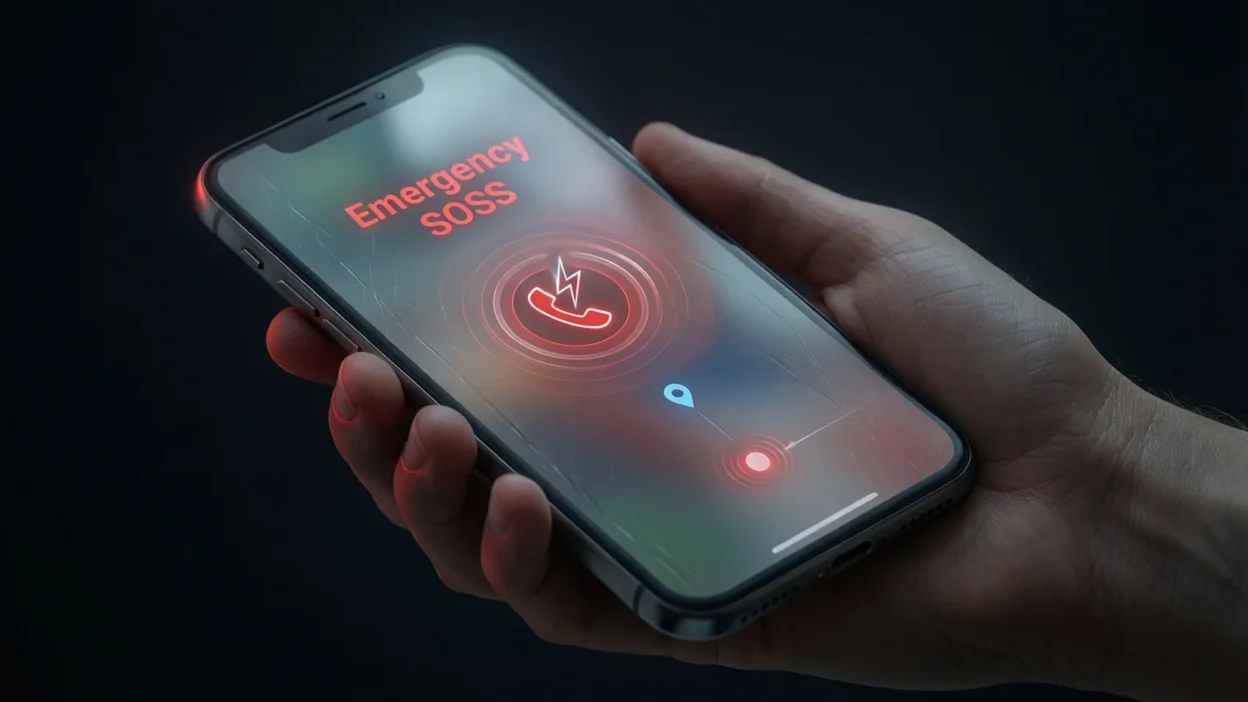
The first time I saw SOS pop up on an iPhone screen, it honestly scared me a little. I was checking my phone settings, and suddenly I noticed something called Emergency SOS. My first thought was, “did I press something wrong?” 😅
A lot of people see SOS on their iPhone sometimes in the status bar, sometimes in settings, or during an emergency alert and feel confused.
Is it a warning? Is the phone broken? Or is it trying to help?
Don’t worry. In this article, I’ll explain what SOS means on iPhone, why it appears, how it works, and when you should actually use it, all in very simple words.
Quick Answer:
SOS on iPhone means “Save Our Souls.” It’s an emergency safety feature that lets you quickly call emergency services when you need help.
What Does SOS Mean on iPhone?
On an iPhone, SOS is part of Apple’s Emergency SOS feature.
Full Form
- SOS = Save Our Souls (or sometimes “Save Our Ship”)
Plain-English Meaning
When you see SOS on an iPhone, it means the phone is either:
- ready to call emergency services, or
- connected only to emergency networks, not regular cellular service
Apple designed this feature to help people get help fast in dangerous situations.
Why Apple Uses SOS
- to protect users
- to make emergency calls easy
- to work even when normal signals fail
Short Example
“my iphone showed sos, but it still let me call emergency services.”
In short:
SOS on iPhone = emergency help mode = calling emergency services fast.
Where Is SOS Commonly Seen on iPhone?
You can see SOS on iPhone in different places, and each one means something slightly different.
Common Situations
- 📱 Status bar shows “SOS” (no normal network, only emergency calls)
- 🚨 Emergency SOS screen (when buttons are pressed together)
- ⚙️ iPhone settings → Emergency SOS
- ⌚ Apple Watch emergency screen
Tone and Purpose
- serious
- safety-focused
- emergency-only
- not casual or social-media slang
This is not texting slang. It’s a real safety tool.
How Emergency SOS Works on iPhone
Apple made Emergency SOS very simple to use.
How to Activate It
Depending on your iPhone model, you can:
- press and hold the side button + volume button, or
- press the side button 5 times quickly
Once activated, your iPhone can:
- call local emergency services
- share your location with emergency contacts
- show your medical ID
This feature works even if your phone is locked.
Examples of SOS in Real-Life Situations
Here are realistic examples of how SOS is used (written simply):
- “my iphone switched to sos when i lost signal”
- “she used emergency sos during an accident”
- “the phone showed sos but emergency calls still worked”
- “i accidentally triggered sos by pressing buttons”
- “sos helped him contact police quickly”
- “my apple watch activated sos automatically”
- “even without network, sos was available”
- “sos sent my location to my emergency contact”
When to Use and When Not to Use SOS on iPhone
✅ When to Use SOS
- medical emergencies
- accidents
- feeling unsafe or threatened
- serious danger situations
- when you need police, fire, or ambulance
❌ When Not to Use SOS
- as a joke
- by accident
- for non-emergency help
- testing without reason
Context Comparison Table
| Context | Example | Why It Works / Doesn’t Work |
|---|---|---|
| accident | “used sos after crash” | correct usage |
| medical issue | “activated sos for help” | life-saving |
| curiosity | “pressed sos for fun” | not appropriate |
| normal call | “used sos to call friend” | wrong purpose |
Why Your iPhone Sometimes Shows “SOS” in the Status Bar
This confuses many users.
What It Means
When your iPhone shows SOS at the top:
- your phone can’t connect to your carrier
- but it can still call emergency services
This can happen due to:
- poor signal
- network outage
- being in a remote area
It does not mean your phone is broken.
Similar Emergency Features or Related Terms
| Feature | Meaning | When Used |
|---|---|---|
| Emergency SOS | calls emergency services | danger |
| Medical ID | health info on lock screen | medical help |
| Crash Detection | detects car accidents | automatic |
| Fall Detection | senses hard falls | Apple Watch |
| Emergency Contacts | people notified | emergencies |
FAQs About What Does SOS Mean on iPhone
What does SOS mean on iPhone status bar?
It means your phone has no regular signal but can call emergency services.
Is SOS the same as no service?
Not exactly. SOS still allows emergency calls.
Can SOS be activated by mistake?
Yes, pressing buttons together can trigger it accidentally.
Does SOS work without internet?
Yes, it works using available emergency networks.
Is SOS available in all countries?
Most countries support it, but features may vary.
Does SOS contact my emergency contacts?
Yes, if you’ve set them up in your settings.
Is SOS only for iPhone?
Apple Watch also has Emergency SOS.
Why Understanding SOS on iPhone Is Important
Knowing what SOS means on iPhone can prevent panic and help you act fast in real emergencies. It’s one of Apple’s most important safety tools, and understanding it could truly save lives.
Final Thought
Now you fully understand what SOS means on iPhone. It’s not a bug, not slang, and not something to ignore. SOS is a powerful emergency feature designed to protect you when you need help the most. Knowing how and when to use it makes you safer and more confident .

Aly John is an author at NumberTemple.com, writing about biblical themes, spiritual insights, and scriptural understanding, helping readers explore faith, symbolism, and deeper meanings in the Bible.